Skip to content
TechnoGuru — Think Technology, Think TechnoGuru

04 / Discipline

IT & Networking.
The nervous system that everything else needs.

7 sub-services · 18 brands

Enterprise Wi-Fi, network security, structured cabling, servers, storage, video conferencing and unified communications — engineered for year-three load, not launch day.

· Quick answer

Why is networking the most important layer of a smart building?

Networking is the most important layer in a smart building because every CCTV camera, access panel, BMS controller, automation hub and PBX runs on it — a weak network surfaces as failures everywhere. Every other system runs on it. CCTV cameras, access control panels, BMS controllers, automation hubs, telephony, video conferencing, building Wi-Fi — all need a stable network with adequate bandwidth, PoE capacity, and redundancy. A weak network surfaces as failures in every other system, but is rarely diagnosed there.

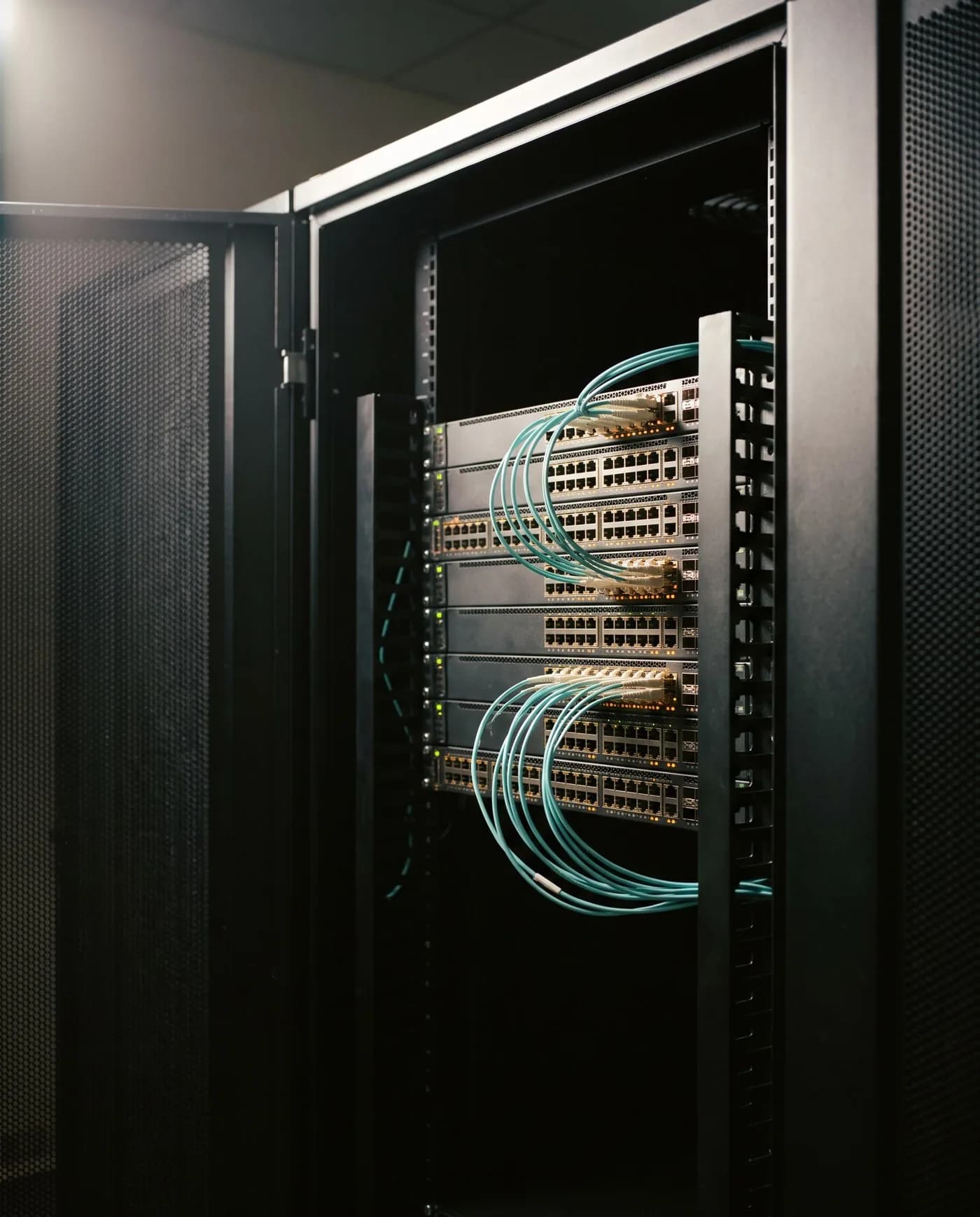
Every camera, every panel, every lift, every server depends on a network that does not drop. We treat that layer as the foundation on which the rest is built. Cat6A backbones rated for two and a half decades. Wi-Fi 7 access points sited to actual cell-edge SNR. Switching with PoE budget for the year-three device count, not the launch-day spreadsheet. And a security architecture — segmentation, ACLs, monitoring — that respects how breaches actually unfold.

/ Rack explorer

The boring rack
that runs the room.

Every premium system lives or dies in a rack you never see. Pick one and we’ll walk you through what each unit does and why it’s sized that way.

AV · 24U14U used
  1. Spare 10U

AV · Architecture

AV / Cinema rack

A reference home-cinema rack. Sources at the top, processing in the middle, amplification at the bottom. Cable management is invisible — that's the point.

Hover or tap any unit on the rack to see what it does.

AV / Cinema rack — bill of architecture

  • Cable manager (1U): Hides the patch cabling between sources and the matrix.
  • 4K HDBaseT matrix (2U): Routes any source to any zone with sub-frame switching latency.
  • AV processor (Trinnov / Storm) (1U): Atmos / DTS:X bass-management, room correction, calibrated EQ per seat.
  • Streaming sources (1U): Apple TV 4K, Zappiti, calibrated streamer for reference content.
  • Network switch (PoE) (1U): Dedicated AV LAN; Dante / AVB ready for distributed audio.
  • Multi-channel amplifier (4U): 9 to 16 channels of clean power for 9.1.6 Atmos chains.
  • Sub amplifier · DSP (2U): Two-to-four-sub array driven by a calibrated cinema DSP.
  • Online UPS (2U): Double-conversion UPS keeps the chain stable through brown-outs.

/ Capability stack

7 services in IT.

Click or hover any service in the index to see its capabilities, brand stack and a representative installation context.

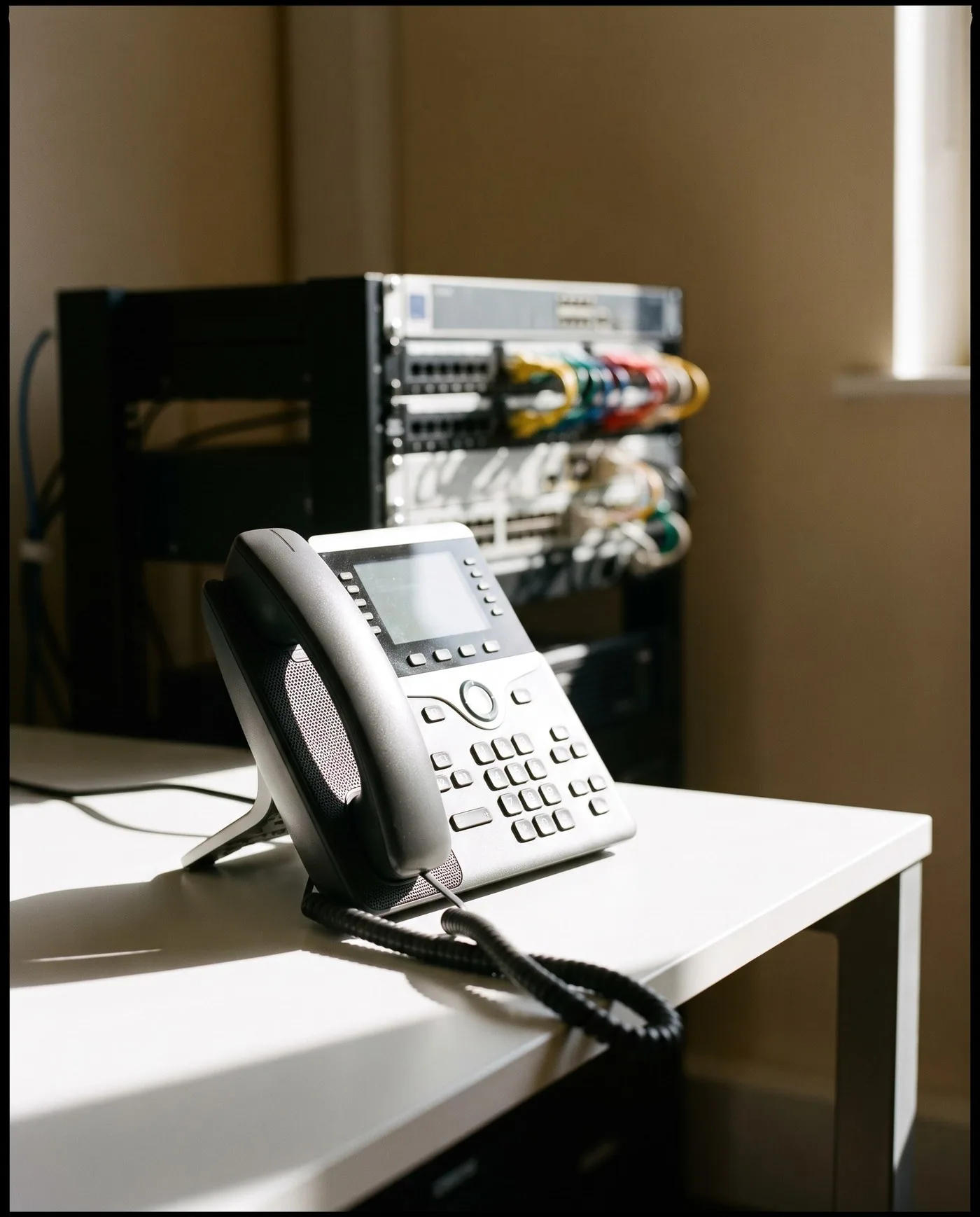
Enterprise voice — IP-PBX, SIP trunking, hosted UC and hospitality PMS integrations — Grandstream, NEC, Cisco and Yeastar.

Voice, routed cleanly.

EPABX & IP-PBX

Enterprise voice — IP-PBX, SIP trunking, hosted UC and hospitality PMS integrations — Grandstream, NEC, Cisco and Yeastar.

/ Capabilities

  • On-prem IP-PBX (Grandstream, NEC, Yeastar)
  • Hosted UC and softphone deployment
  • SIP trunk sizing and failover
  • Hospitality PMS integration (Opera, IDS, Hotelogix)

/ Brand stack

GrandstreamCiscoNECGrandstream
Open service page

7 services in IT & Networking

Enterprise Wi-Fi, network security, structured cabling, servers, storage, video conferencing and unified communications — engineered for year-three load, not launch day.

EPABX & IP-PBX

Enterprise voice — IP-PBX, SIP trunking, hosted UC and hospitality PMS integrations — Grandstream, NEC, Cisco and Yeastar.

Capabilities
  • On-prem IP-PBX (Grandstream, NEC, Yeastar)
  • Hosted UC and softphone deployment
  • SIP trunk sizing and failover
  • Hospitality PMS integration (Opera, IDS, Hotelogix)
  • IVR design, call recording and analytics
Brand stack

Grandstream, Cisco, NEC, Grandstream

IT & Networking

Structured cabling, Wi-Fi 7, switching, SD-WAN and data-centre networking — Cisco, HPE Aruba, Juniper, Netgear, CommScope.

Capabilities
  • Structured cabling (Cat6A, OS2/OM4/OM5)
  • Wi-Fi 7 site survey and design
  • Cisco / HPE Aruba / Juniper switching and routing
  • SD-WAN and SASE
  • Data-centre networking and rack design
  • Network monitoring and analytics
Brand stack

Cisco, Aruba, Juniper, Netgear, CommScope, Molex

Structured Cabling

Cat6A, OS2 and OM4/OM5 structured cabling — designed to TIA-568, terminated to manufacturer warranty and labelled to a documented patch schedule.

Capabilities
  • Cat6A and Cat7 copper backbones
  • OS2 single-mode and OM4/OM5 multimode fibre
  • Manufacturer-warrantied installation (CommScope, Molex, Belden)
  • Fluke DSX certification and as-built documentation
  • Rack design, cable management and labelling
  • Pathway and conduit design with the architect / MEP
Brand stack

CommScope, Molex, Belden, Honeywell

Enterprise Wi-Fi

Wi-Fi 7 and Wi-Fi 6E enterprise wireless — Cisco, Aruba, Juniper Mist, Netgear — site-surveyed to the building's actual cell-edge SNR.

Capabilities
  • Predictive RF surveys (Ekahau, AirMagnet)
  • Wi-Fi 7 and Wi-Fi 6E deployment
  • Cisco Catalyst, Aruba, Juniper Mist, Netgear
  • Captive portal, 802.1X and PSK-per-user
  • Network access control (NAC) integration
  • Heat-map handover and post-install validation
Brand stack

Cisco, Aruba, Juniper Mist, Netgear, Ruckus

Network Security

Next-generation firewalls, segmentation, NAC, EDR, SIEM and backup — Fortinet, Palo Alto, Sophos, Check Point — designed to how breaches actually unfold, not how vendors describe them.

Capabilities
  • NGFW deployment (Fortinet, Palo Alto, Sophos, Check Point)
  • Network segmentation and microsegmentation
  • EDR / XDR (CrowdStrike, SentinelOne, Sophos)
  • Identity and access — Entra ID, Okta
  • Immutable backups and recovery testing
  • SIEM and managed detection-response
Brand stack

Fortinet, Palo Alto, Sophos, Check Point

Servers, Storage & Data Centre

Server and storage architecture — Dell, HPE, Lenovo, Pure, NetApp — for on-prem and hybrid workloads, including precision cooling, rack design and DR.

Capabilities
  • Server architecture (Dell, HPE, Lenovo)
  • All-flash and hybrid storage (Pure, NetApp, Dell PowerStore)
  • Hyperconverged infrastructure (Nutanix, VxRail)
  • Rack, raised-floor and precision cooling
  • Backup, replication and DR design
  • Hybrid-cloud connectivity (Azure ExpressRoute, AWS Direct Connect)
Brand stack

Dell, HPE, Lenovo

Video Conferencing Infrastructure

Cloud, on-prem and hybrid VC — Microsoft Teams, Zoom, Google Meet, Cisco Webex — with bridges, gateways, recording and transcription infrastructure.

Capabilities
  • Cloud, on-prem and hybrid VC bridges
  • SBC and gateway design
  • QoS and SD-WAN integration
  • Recording, transcription and compliance archive
  • Microsoft Teams Phone, Zoom Phone deployment
  • Hardware-room certification (see Conference Room AV)
Brand stack

Cisco Webex, Poly, Logitech

/ Frequently asked

IT — what people ask first.

Why is networking the most important layer of a smart building?

Networking is the most important layer in a smart building because every CCTV camera, access panel, BMS controller, automation hub and PBX runs on it — a weak network surfaces as failures everywhere. Every other system runs on it. CCTV cameras, access control panels, BMS controllers, automation hubs, telephony, video conferencing, building Wi-Fi — all need a stable network with adequate bandwidth, PoE capacity, and redundancy. A weak network surfaces as failures in every other system, but is rarely diagnosed there.

Cat6A or Cat6 — what should we cable a new building with?

Cable a new building with Cat6A — the premium over Cat6 is under 10% and it supports 10 Gbps over a full 100 m channel for 25 years. The premium over Cat6 is now small — under 10% — and it supports 10 Gbps to the desk over the full 100 m channel without compromise. It is rated for 25 years of service. Cat6 should be reserved for retrofit projects where pathway constraints force the choice.

Wi-Fi 7 in 2026 — is the premium worth paying?

Yes — Wi-Fi 7 is worth paying for on any new deployment in 2026; on recent 6E installs, wait one refresh cycle. For any new deployment, yes. The access-point premium over Wi-Fi 6E is modest and shrinking each quarter. The 6 GHz band, MLO multi-link operation and 320 MHz channels deliver real-world capacity gains, particularly in dense rooms (boardrooms, classrooms, lobbies). For retrofit on a recent 6E install, wait one refresh cycle.

How should we approach network security for a small or mid-sized organisation?

Approach SMB network security in three layers — VLAN segmentation that contains breaches, EDR/XDR on every important endpoint, and immutable offline backups with tested recovery. Segmentation that contains breach lateral movement (separate VLANs for IoT, building systems, guest, staff). EDR or XDR on every endpoint that matters. Immutable backups stored offline with documented recovery testing. The firewall is necessary but not sufficient — design assumes the bad day will arrive, and the question is recovery speed.

On-prem servers, cloud, or hybrid?

Hybrid for almost every organisation in 2026 — pure cloud only suits very small teams or consumer-internet companies; the middle stays hybrid. Almost every organisation in 2026. Latency-sensitive and data-residency-bound workloads stay on-prem; analytical and bursty workloads move to cloud. Pure-cloud strategies make sense at very small scale (under 50 employees) and very specific large scale (consumer-internet companies). The middle is hybrid, and the architecture rewards good network design.

How do you size a Wi-Fi deployment for a campus or large floor?

Wi-Fi is sized through a predictive RF survey, validated on-site once the structural shell is up, modelled for year-three concurrent device count and targeted at -65 dBm at every desk. A predictive RF survey on the architect's floor plan, validated by an on-site walk-through once the structural shell is up. We model concurrent device count for the year-three load (laptops, phones, IoT, AV endpoints, building systems), target a minimum -65 dBm at every desk and -70 dBm in transit zones, and place access points so adjacent cells overlap by 20–25% for seamless roaming. The deliverable is a heat-map drawing the IT team can actually verify post-install.

What's the right approach to network redundancy for a serious operation?

Build network redundancy at the layers where downtime hurts: dual ISP links, stacked core switches, dual-homed servers and online double-conversion UPS — to a stated recovery target. At the layers where downtime hurts. Dual ISP links from physically diverse paths with automated failover. Stacked or paired core switches. Dual-homed servers and storage. Run-to-failure UPS architecture is replaced by online double-conversion with battery autonomy. The aim is not zero downtime — that is uneconomic — but a stated recovery target that the design honours, with the failure modes documented for the operations team.

How do you handle the structured cabling labelling and as-built record?

Every patch, port and outlet is labelled to a published room-rack-panel-port schedule, with rack elevations, fibre splice records, OTDR traces and TIA channel-test certificates in the as-built pack. Labelled to a published schedule — typically room-rack-panel-port format, agreed with the IT team before deployment. The as-built pack contains rack elevations, patch schedules, fibre splice records, OTDR test traces and channel-test certificates per the relevant TIA standard. Years from now, when someone needs to find which port serves which desk, the answer is in the documentation rather than in someone's memory.

· Begin

Bring the brief.
We’ll bring the discipline.

The first reply will come from a project lead, not a sales gateway, within two working days.

IT & Networking — The nervous system that everything else needs. | TechnoGuru