
01 / 06
Case file
Lights, climate, blinds, audio, cinema and security — orchestrated by a single Rako, Fibaro or KNX backbone and controlled from a touch panel, voice or a discreet keypad on the wall.
| Aspect | Bolted-on gadgets | Designed-in system |
|---|---|---|
| Starting point | Devices chosen first | Architectural and electrical drawings first, before plaster |
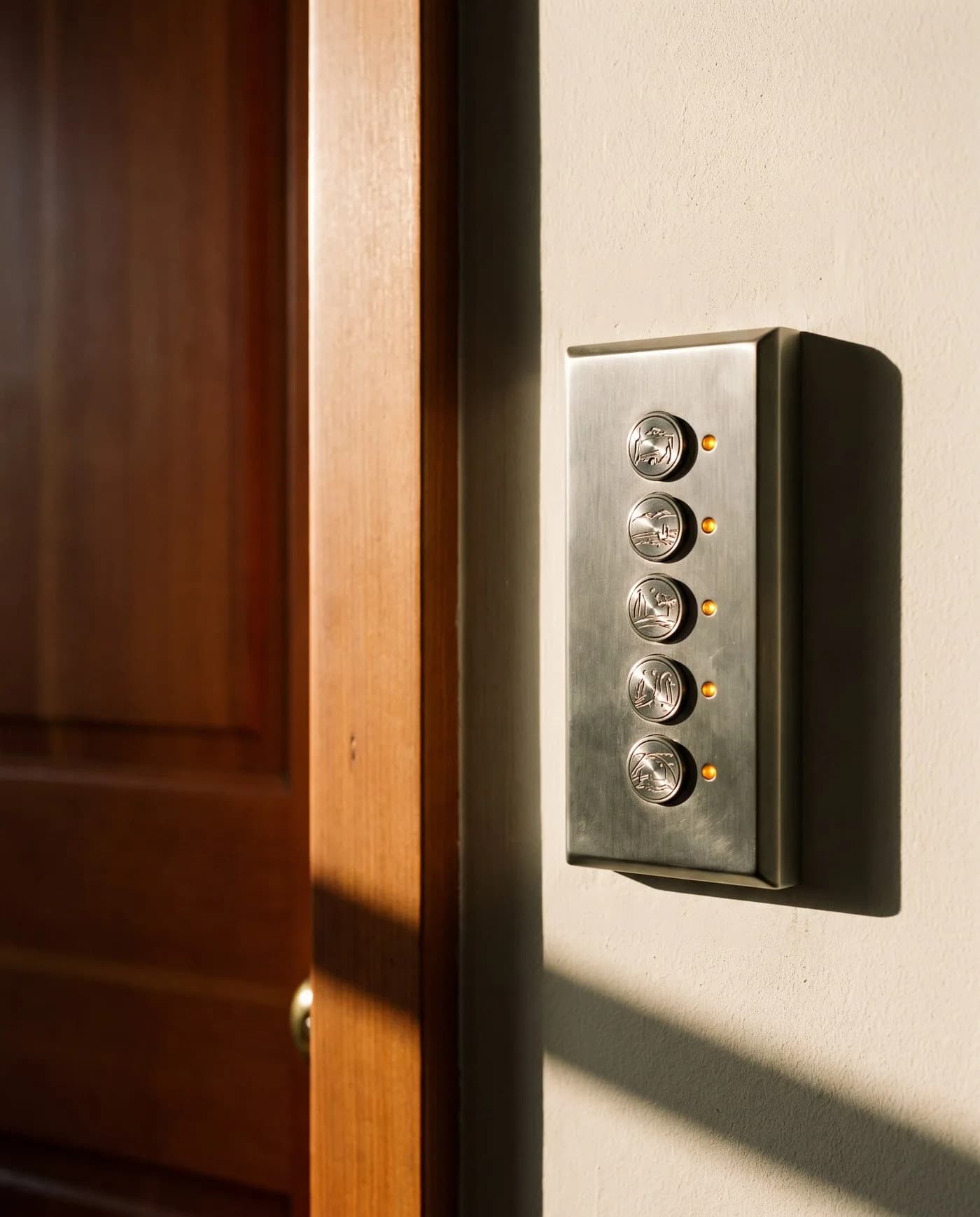
| Scenes | Generic numbered buttons | Keypads engraved with the room's real scenes — Welcome, Dinner, Film, Goodnight |
| Offline behaviour | Depends on the internet | Scenes and local control work fully offline; internet only for remote app, voice and updates |
| Later changes | Forensic investigation | Documented load and scene schedule, so additions take a morning |
Educational comparison of design rigour — not a statement about any specific installer.
/ Smart Automation · Master Bedroom
Walk into a bedroom that already knows your day.
See how your bedroom can adapt automatically with lighting, curtains, and scenes.
Tap a scene. Watch the room change.
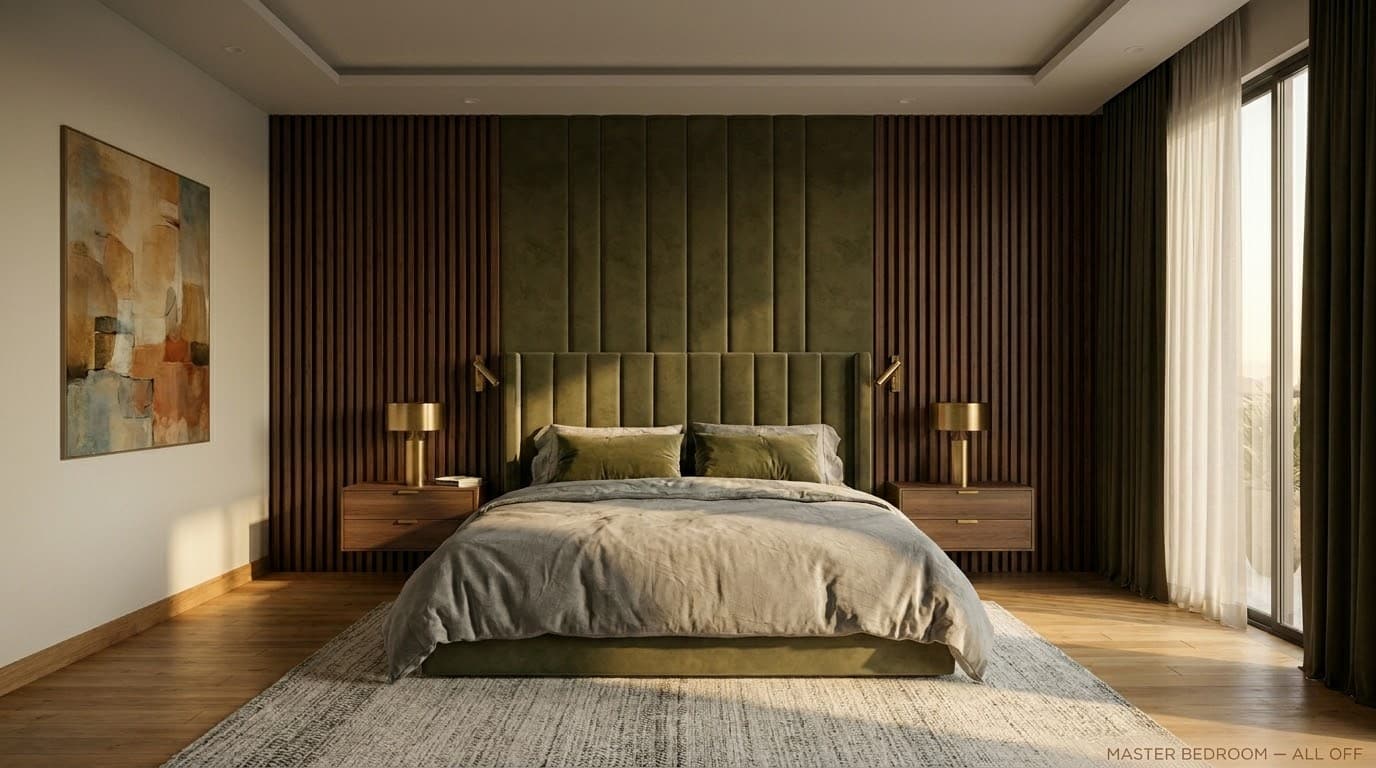
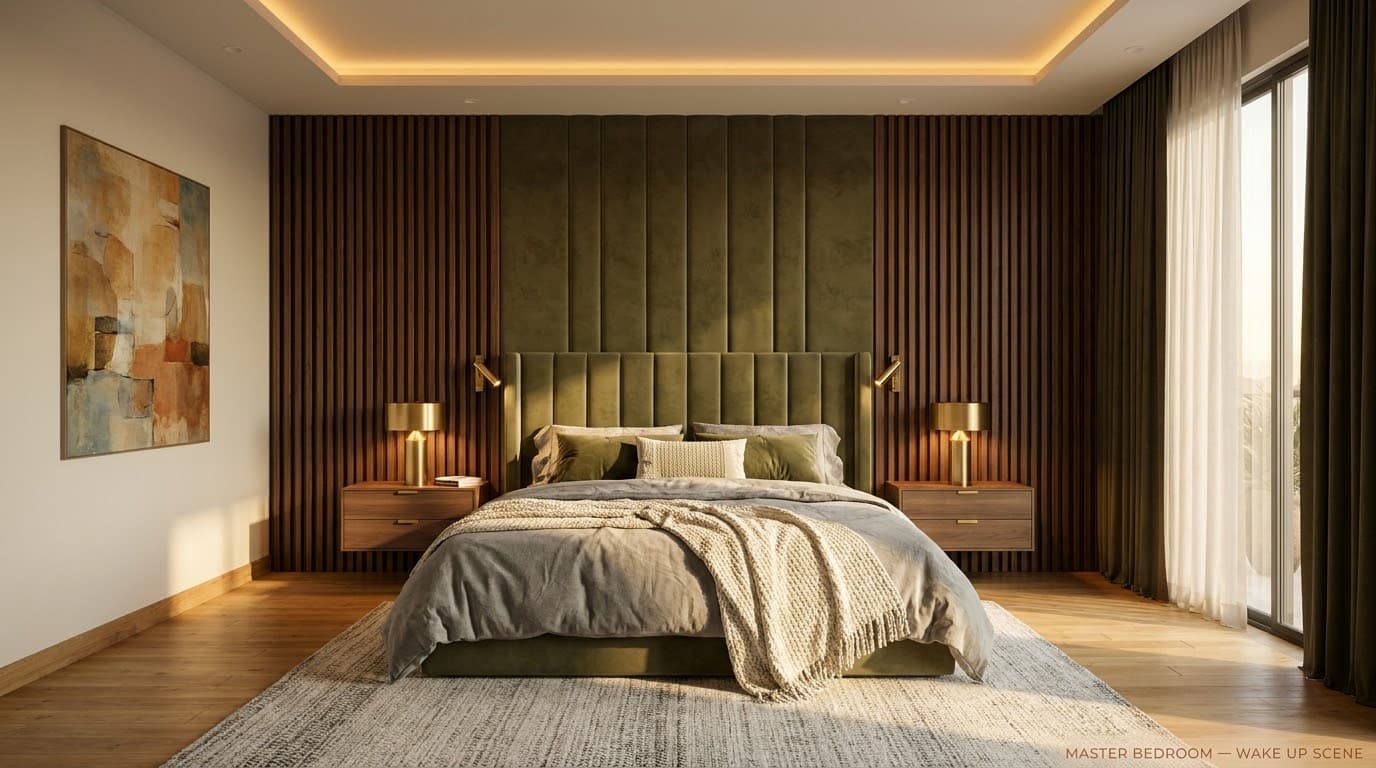
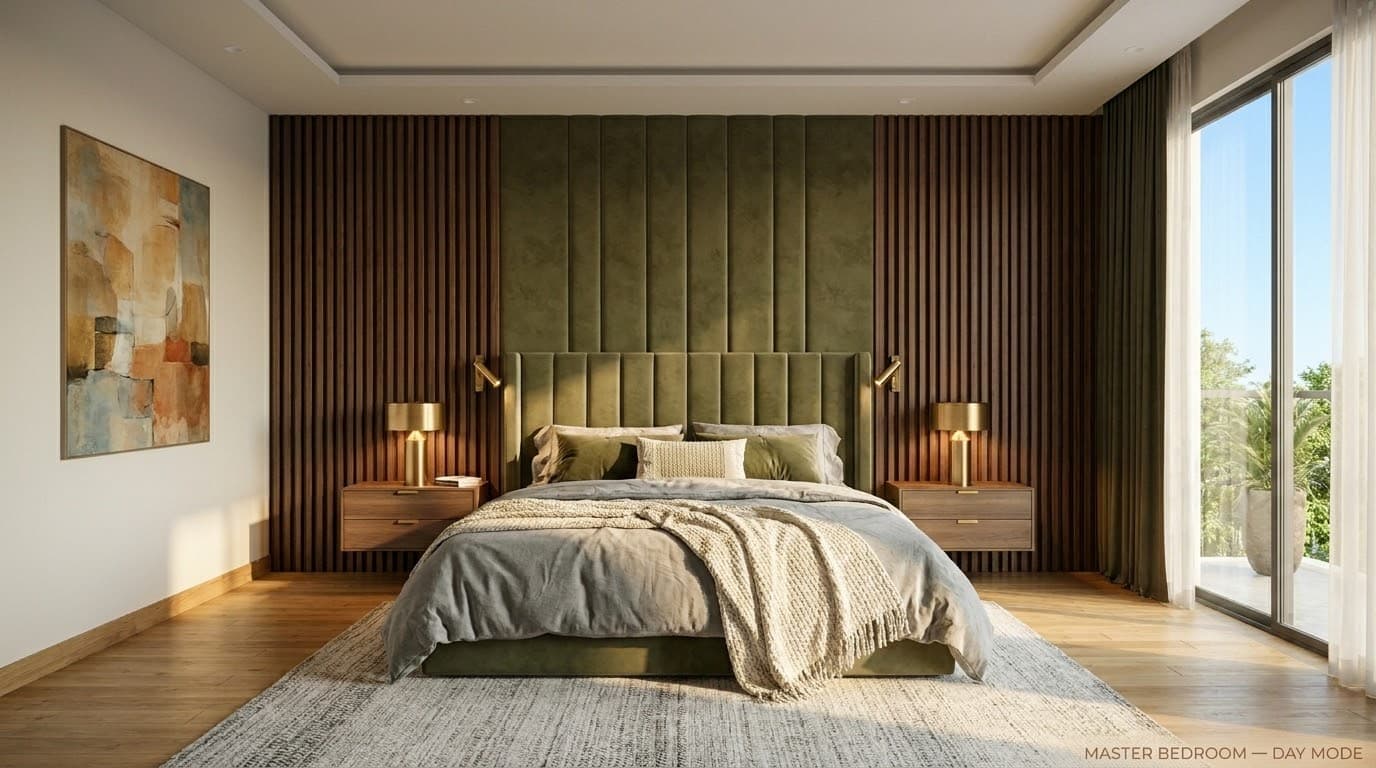
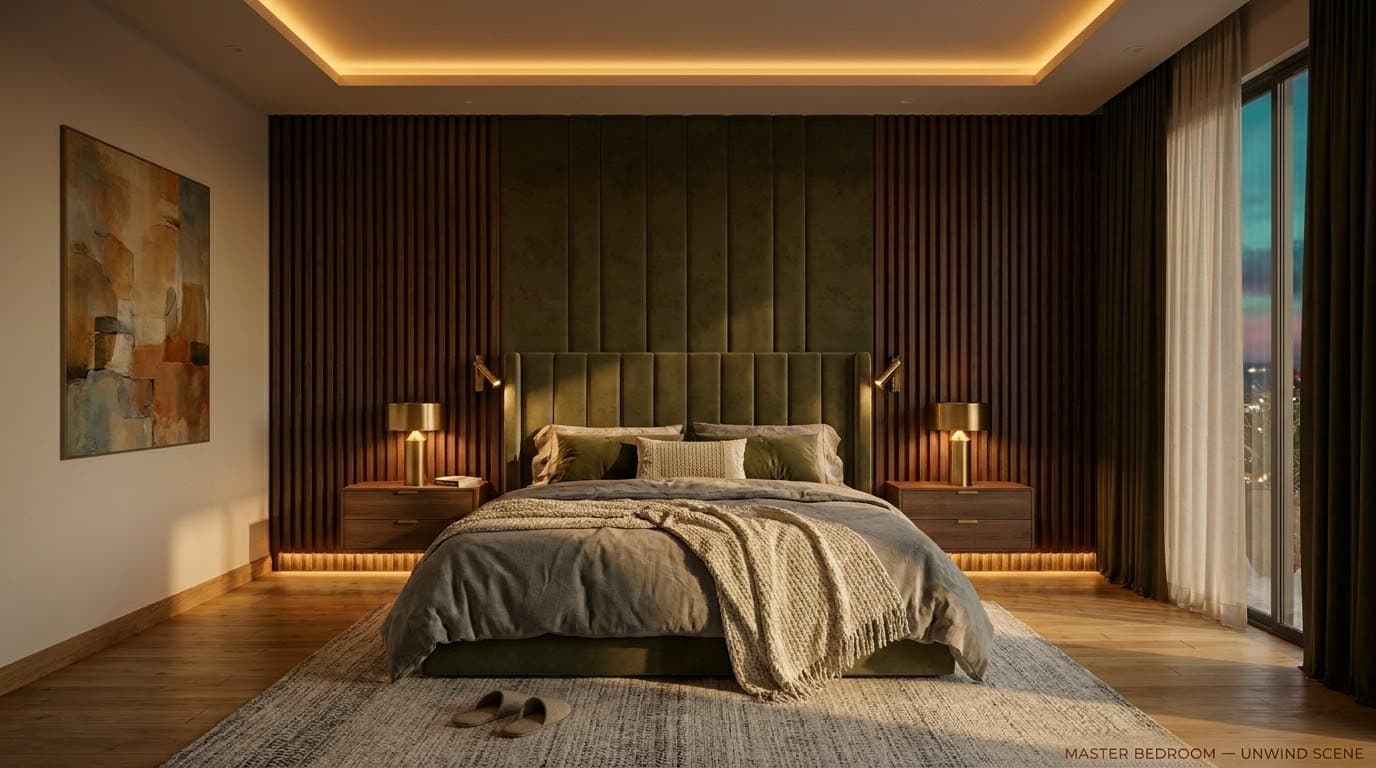
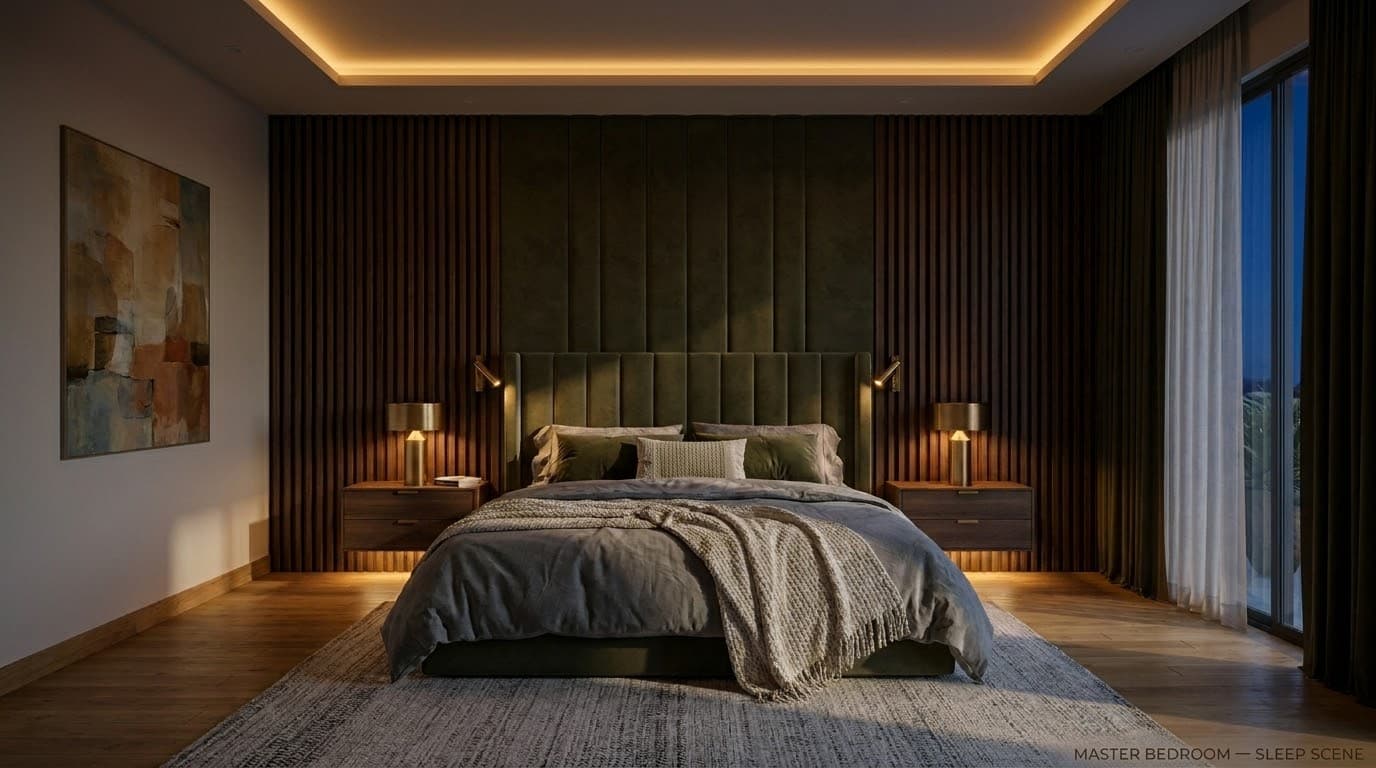
Master Bedroom — Demonstration
Now imagine this is your bedroom.
This is how we design automation for your home.
Designed room-by-room for your home.
We don’t just install automation. We design how your home behaves.
/ Keypad
Pre-rendered preview. No live device control.
Master bedroom — automation scenes
Five scenes drive the Master Bedroom: Wake Up, Day Mode, Unwind, Sleep, and All Off. Each one adjusts curtains, cove lighting, downlights and lamps as a single coordinated moment.
- Wake Up: Curtains open. Soft warm light eases the room awake.
- Day Mode: Diffused daylight. Sheer curtains soften the sun.
- Unwind: Cove and lamps warm to a quiet evening glow.
- Sleep: All off. A faint pathway glow remains, just in case.
- All Off: Every circuit off. The room rests in the dark.
/ The discipline, in detail
How we approach home & office automation.
We begin with the architectural drawings, not the gadgets. Cable routes are plotted before plaster, panels are placed where the eye will not search for them, and every keypad is engraved with the room's actual scenes — Welcome, Dinner, Film, Goodnight — not generic numbers.
Our programming is done in-house in Guwahati. Every project ships with a documented schedule of every load on every dimmer, every audio zone routing, every shade group and every scene state. Six months later, when you ask us to add a guest-bedroom dimmer, the change takes a morning rather than a forensic investigation.
We commission and hand over with a homeowner's manual written in plain language, not a printout from the controller. AMC, remote diagnostics and support windows defined in scope are part of the warranty, not an upsell.
On record
Every home & office automation engagement is documented end-to-end — design, programming, commissioning, calibration — and handed over with the files our successors would need if we were never to return.
/ Scene resolution
One press · five subsystems
How a single keypad press resolves lighting, climate, AV, shading and security simultaneously — the scene graph every residence runs on.
Diagram · described
Smart-home scene map
A matrix that maps four canonical home scenes (Welcome, Dinner, Goodnight, Away) against the five home subsystems they coordinate (Lighting, Climate, AV, Shading, Security). Generic, brand-neutral pattern — actual project schedules vary by room and brief.
Diagrammatic view — a system planning illustration for design discussion, not a project drawing or live interface.
/ Where we deploy this
Active across 3 sectors.
Home & Office Automation is rarely a standalone brief — it sits inside a wider sector practice with its own codes, expectations and operating rhythm.
/ Sister services
The rest of automation.
A serious brief usually crosses two or three of these. Read across the discipline — we deliver them as one contract.
- 02
Lighting Automation
Light, tuned to the hour.
Dimmable, scene-based, daylight-aware lighting on Rako, Fibaro, KNX or DALI — programmed to the rhythm of the room rather than the switch on the wall.0 - 03
Smart Control
One panel. The whole building.
Touch panels, keypads, voice and mobile control surfaces — Rako, Fibaro Home Center and KNX — engineered as the single, learnable interface to everything else we install.1 - 04
Drapery & Shading Control
Daylight, on a quiet motor.
Motorised curtain tracks, roller and roman blinds, sheer-and-blackout double-rolls, and external louvres — silent, scheduled, scene-aware and integrated with the rest of the home or building.2 - 05
Architectural & Façade Lighting
The building and the grounds, after dark.
Façade graze, in-grade uplights, linear coves, water-feature lighting, drive and pathway detailing, tree uplights and perimeter flood — engineered, programmed and night-commissioned on one Rako control surface.3 - 06
Motorised Shutters & Skylights
The building envelope, on a quiet motor.
Motorised building-envelope openings — automatic rolling shutters, motorised skylights and retractable roof glass, and façade and ventilation openings — scheduled, scene-aware and integrated with the wider automation system.4
/ Integration with
How home & office automation talks to the rest.
A serious deployment of this system rarely operates in isolation. The disciplines below most commonly share its cabling pathways, its controller logic, and its cause-and-effect matrix.
Lighting Automation
Light, tuned to the hour.
Dimmable, scene-based, daylight-aware lighting on Rako, Fibaro, KNX or DALI — programmed to the rhythm of the room rather than the switch on the wall.Home Theatre
Reference cinema, in your living room.
Custom-engineered private cinemas — projector, processor, screen, seating and acoustics designed to a single sweet-spot, following THX and Dolby Atmos reference layouts.Multi-Room Audio
One song. Every room. Or six different ones.
Whole-home audio on Yamaha, Sonance and BluOS — invisible in-ceiling speakers, hidden subs, room-corrected and zone-routed.
/ Read deeper
The engineering, in long form.
Each article below goes deeper than this service page can — a full walk-through of the engineering decisions, written by the team that delivers this work.
Engineering toolkit
Tools to scope this work
Calculators and reference checkers we use ourselves to sense-check the engineering before any drawings change hands.
- Smart Home
Smart Home Discovery Wizard
For villa and apartment owners — pick your home, the zones that matter and the experiences you want, and map a coordination scope and room checklist. Not a final design, device count or security layout.
Advisory · discoveryOpen - Automation · Lighting
Lighting Scenes Interactive
Tap a scene — Welcome, Dinner, Film, Rest, Away, Goodnight — and watch every circuit, shade, AC zone and AV source shift at once across a reference 4 BHK plan. KNX + Rako + DALI.
6 scenes · photorealOpen - Audio · Whole-home
Multi-Room Audio Explorer
Tap a room — Lounge, Home Theatre, Kitchen, Study — and hear the speaker, source and SPL appropriate to it. Sonance flush ceilings, KEF Reference, Waterfall glass-cabinet, Polk Reserve. Specify the rooms before you specify the speakers.
4 zones · per-room brandOpen
/ Engineering concepts
Related engineering concepts
Concept
Rako Lighting Control
British wireless and wired lighting and scene-control platform. The default residential and hospitality lighting backbone for retrofit and new-build where Rako's keypad-and-scene ecosystem fits the design intent.
Concept
KNX Building Bus
ISO-standard wired open-protocol building bus. Multi-vendor, scalable to thousands of devices, designed for 20+ year lifecycles. The right backbone for vendor independence and longevity.
Concept
Scene Orchestration Pattern
Engraved-keypad-driven scene programming where lighting, shades, climate, audio and AV move together to a named room state (Welcome, Dinner, Film, Goodnight) — programmed once and triggered as one.
Concept
Fibaro Z-Wave Platform
Polish Z-Wave residential automation platform. Fast to deploy with a polished mobile app, well-suited to homes with up to ~30 controllable zones where mesh wireless is the right answer.
/ Used alongside
Commonly deployed alongside
Sector
Residential
The premium home, made quiet.
Sector
Hospitality
Guest experience, engineered.
Service
Lighting Automation
Light, tuned to the hour.
Service
Smart Control
One panel. The whole building.
Service
Multi-Room Audio
One song. Every room. Or six different ones.
Service
Home Theatre
Reference cinema, in your living room.
/ Plan it right
Home & Office Automation — getting the brief right.
Common mistakes to avoid
- Locking the wall layout and false ceiling before keypad, sensor and speaker positions are agreed — the costly mistakes here are civil, not electronic.
- Choosing a platform by brand reputation rather than by zone count, the retrofit constraint and the longevity the project needs.
- Designing scenes around the switch on the wall instead of the way the room is actually used.
- Forgetting that automation must keep working offline — the internet is for remote access, not for the lights to turn on.
- No documentation or handover of configuration, so the next engineer, or the owner, is locked out of their own system.
What to share before a quotation
- Architectural and electrical drawings, ideally before plaster and false-ceiling work.
- The rooms in scope and the experience wanted per room — lighting, shade, climate, audio, security.
- Wired-versus-wireless constraint — new build or retrofit.
- Preferred control surfaces (keypads, app, voice) and who the daily users are.
- Budget envelope and which phases are essential versus future-ready.
/ Frequently asked
Home & Office Automation — what buyers ask first.
What is the cost of full home automation in India?
Cost depends on scope and a site review — the main drivers are the controlled-light-fixture count, the number of audio zones, the control backbone (Fibaro or Rako), and whether cinema, multi-room audio, climate and security are in scope. A two-bedroom apartment with lighting, shade and audio control sits at the modest end; a full-villa Rako fit-out with cinema, multi-room audio, climate and security sits well above it as the device count grows. TechnoGuru does not publish tentative prices or budget bands because every project depends on site conditions, drawings, system scope, brands, integration depth, commissioning and support requirements. Please email info@technoguru.in or WhatsApp/call +91 88110 34444 with your drawings, BOQ or project brief for a written estimate after review.
How long does a home automation install take?
The installation schedule depends on scope, procurement, approvals, site conditions and coordination. Pre-wiring follows civil readiness; device installation, programming and commissioning follow the agreed interior sequence. We review these dependencies with the architect, electrician and interior contractor before agreeing the project programme.
Do automation systems work without internet?
Yes — automation systems work fully offline; internet is only required for remote app access, voice control and software updates. Every scene, keypad and local control function continues to operate offline.
Which automation brand should I choose?
Choose Rako for reference-grade cinema-and-audio homes, Fibaro or Rako for contained budgets — we recommend by project scale, never by sales target. Rako suits homes where the cinema and audio path is reference-grade and the system will be programmed to a designer aesthetic. Rako is a strong, retrofit-friendly choice for lighting and shade alone. Rako and Fibaro deliver excellent results at a more contained budget. We will not recommend a system the architecture does not need.
Can the same automation system run my office and my home?
Architecturally yes, but operationally we recommend keeping home and office automation as separate logical deployments — bridging them creates an attack surface that does not earn its complexity. Rako, Fibaro and KNX all scale across residential and small-commercial — but we usually recommend keeping them as separate logical deployments. The scenes, schedules and security policies for a home and an office have very little overlap, and bridging them creates an attack surface that does not earn its complexity. We can however share spare-parts pools and AMC contracts across both.
What happens if the controller fails?
A failed controller is replaced from spare-pool and restored from offline configuration baseline within hours, with battery-backed circuits holding local scene memory through the swap. Every controller we deploy has a documented offline configuration baseline stored on our infrastructure. A failed controller is replaced from spare-pool, the baseline is restored, and the system is back to last-known-good within hours rather than days. Battery-backed circuits hold local scene memory through power loss; some platforms (Rako) keep operating on local keypads even with the central controller offline.
· Begin
Begin a
home & office automation
brief.
Tell us about the building, the timeline, and what success looks like a year after handover. We will reply within two working days with a written response, not a sales pitch.