
/ IT
Enterprise Wi-Fi density: the attenuation realities that defeat uniform AP-class deployments
Quick answer
Enterprise Wi-Fi density should be engineered as mixed AP-class — Wi-Fi 6 / 6E / 7 four-stream APs (Aruba AP25 class, Cisco 9136 class, Juniper Mist AP45 class) in high-density public areas (lobby, conference, dining), Wi-Fi 5 or entry-tier Wi-Fi 6 APs (Aruba AP11 class, Cisco 9105 class) in lower-density guest zones (corridors, suites, back-of-house) — all on a mesh backhaul over a managed Cisco / Aruba / Juniper backbone with per-floor channel assignment to avoid co-channel interference. The mixed-class design delivers protocol-grade seamless roam without the cost penalty of uniform Wi-Fi 6 deployment (2.4× capex) or the capacity collapse of uniform Wi-Fi 5 (which fails in high-density zones at peak).
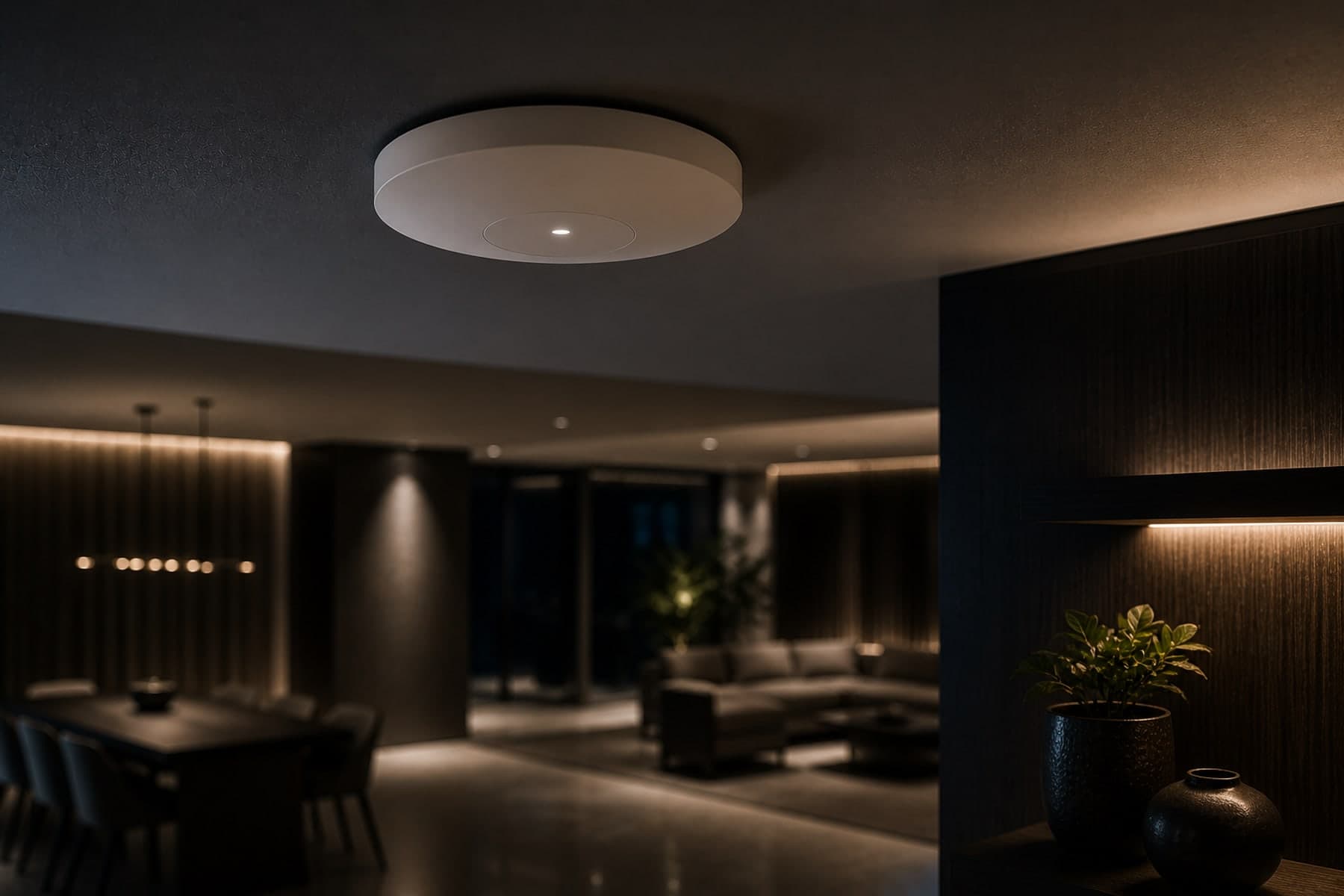
Enterprise Wi-Fi has the most misunderstood unit-of-engineering in the building stack. Tendered by AP count, executed by AP class, audited by signal strength — when the actual metric is client throughput at the worst-case device under the worst-case attenuation profile. Uniform AP-class deployment is the procurement default; mixed AP-class deployment is the engineering answer. The difference shows up in the capex line, the day-two operational reality and the year-three capacity-plan refresh.
The attenuation envelope is the real constraint
A Wi-Fi 6 access point published at 200 mW with a 24 dBi antenna pattern delivers full-throughput coverage in a free-air rectangular room. Place the same AP in a real building and the attenuation envelope collapses: drywall partitions cost ~3 dB each, brick walls 8-12 dB, reinforced concrete 15-25 dB, low-E glass partitions 5-8 dB, modern office furniture and steel-frame partitions 2-4 dB each. By the time the signal reaches the third room from the AP, the published 1.2 Gbps PHY rate is delivering 60 Mbps to a Wi-Fi 5 client and 200 Mbps to a Wi-Fi 6 client.
Uniform Wi-Fi 6 is the marketing answer, not the engineering answer
The default enterprise procurement pattern is 'uniform Wi-Fi 6 everywhere' on the basis that newer is better. For a typical three-floor hospitality or commercial building, uniform Wi-Fi 6 deployment costs 2.4× the mixed-class design and delivers no measurable throughput benefit in guest-room corridors and back-of-house — where the per-client throughput is bounded by the user's device class and the application demand, not by the AP class. The cost penalty buys nothing operationally; the PoE budget escalates across the L2 switch stack; the AP-count grows without throughput gain.
Uniform Wi-Fi 5 is the value answer that collapses at peak
The opposite default — 'uniform Wi-Fi 5, save the capex' — collapses in the high-density zones at peak occupancy. Conference halls at 250 concurrent clients, lobby with 80 simultaneous BYOD devices, dining at 120 concurrent guests — Wi-Fi 5 hits the per-AP throughput ceiling and the 5 GHz channel-reuse wall, with co-channel interference rendering the high-density experience unusable. The capex saving on day one buys an operational headache on every weekend evening.
Mixed AP-class is the engineered answer
The right engineering answer is mixed AP-class: Wi-Fi 6 four-stream APs in high-density public areas (lobby, conference, dining, atrium), Wi-Fi 5 or entry-tier Wi-Fi 6 APs in lower-density guest zones (corridors, suites, back-of-house, plant rooms). The mesh backhaul is on the managed L2 backbone (Cisco C1300 class, Aruba 6300 class) with per-floor channel assignment that avoids co-channel interference across floors. AP placement is engineered against the attenuation envelope, not against a flat-ground density rule of thumb.
Predictive survey before procurement
Predictive Wi-Fi survey software (Ekahau, NetSpot, Aruba AirWave, iBwave) consumes the architectural floor plan with material annotations and produces an AP-placement map that holds against the actual attenuation envelope. We run the predictive survey at design stage on every enterprise Wi-Fi deployment above 12 APs; below that, the deployment fits inside the AP catalogue's nominal coverage radius and the survey is informational rather than directive.
Validation walk after deployment
After the AP plant is installed and configured, the validation walk measures actual signal strength, throughput and roaming behaviour against the predictive map. Client-side throughput is measured at every AP boundary, every elevator lobby, every stairwell entry, every guest-room midpoint. Misplaced APs are relocated against the validation result, not the predictive map. The validation walk is part of the commissioning deliverable, not an optional follow-up.
Channel plan and co-channel discipline
Per-floor channel assignment on the 5 GHz band avoids co-channel interference between APs on adjacent floors — Floor 2 on channels 36/52/100, Floor 1 on 40/64/108, Ground on 44/60/116. The plan is engineered for the building's actual three-dimensional geometry, not a per-floor independent plan. 6 GHz (Wi-Fi 6E / Wi-Fi 7) opens the channel pool wide enough that co-channel pressure relaxes; deployments that mix Wi-Fi 6E / 7 with Wi-Fi 6 / 5 carry both 5 GHz and 6 GHz plans.
PoE budget per L2 switch stack
The PoE budget is the per-floor constraint on AP count. A 24-port PoE++ switch with a 740 W budget at IEEE 802.3bt (Wi-Fi 6E / Wi-Fi 7 class) supports 16-20 APs at 30-45 W per AP, not 24. The PoE budget is calculated per stack with 30% headroom for generational refresh; under-budgeting drives port power-cycling under load and is the leading silent failure mode on day-two.
Callout — what enterprise procurement most miss
AP count is a procurement metric; per-client throughput at peak occupancy is the engineering metric. The mixed AP-class deployment delivers protocol-grade roam at a quarter of the capex of uniform Wi-Fi 6, with measurable throughput in every zone. Specify the design against the use case, not the catalogue.
Reference deployment context
Taraghar State Guest House runs 8 Aruba AP25 (Wi-Fi 6 four-stream) in public areas + 17 Aruba AP11 (Wi-Fi 5) in guest zones across three floors on a Cisco C1300-24T-4G backbone with C921-4P router. Seamless roam across all three floors; protocol-grade reliability for visiting delegations and press; no dead zones at validation walk. Mixed AP-class beats uniform Wi-Fi 6 on capex and uniform Wi-Fi 5 on capacity for this venue class.
References
1. IEEE 802.11ax (Wi-Fi 6) and 802.11be (Wi-Fi 7) standards.
2. Aruba Instant On / Cisco Meraki / Juniper Mist enterprise Wi-Fi deployment guides.
3. iBwave / Ekahau / NetSpot predictive-survey software documentation.
4. IEEE 802.3bt PoE++ standard — per-port power negotiation.
Mixed AP-class density topology
enterprise-wifi-densityDiagram · described
Enterprise Wi-Fi density topology
A three-floor mixed-AP-class Wi-Fi deployment. Wi-Fi 6 four-stream APs (Aruba AP25 class) sit in high-density public areas — lobby, conference hall, dining; Wi-Fi 5 APs (Aruba AP11 class) sit in lower-density guest zones — corridors, suites, back-of-house. Mesh backhaul on a managed Cisco backbone delivers seamless roam across all three floors with no dead zones. Channel assignment avoids co-channel interference between floors; per-floor PoE budgets are calculated on the L2 switch stack.
Key engineering takeaways
- Mixed AP-class deployment beats uniform AP-class in attenuating structures — Wi-Fi 6 in high-density, Wi-Fi 5 in low-density.
- Predictive survey at design stage on every deployment above 12 APs — the survey is the procurement-stage anchor, not the post-install verification.
- Validation walk after deployment is part of the commissioning deliverable — measured throughput at every boundary, every lobby, every stairwell.
- Channel plan is per-building three-dimensional, not per-floor independent — co-channel interference between adjacent floors is a real failure mode.
- PoE budget per L2 switch stack with 30% headroom for generational refresh — under-budgeting drives port power-cycling under load.
- Wi-Fi 6E / Wi-Fi 7 6 GHz band relaxes co-channel pressure; mixed-generation deployments carry both 5 GHz and 6 GHz channel plans.
/ Frequently asked
Quick answers from the practice.
- Why not just deploy Wi-Fi 6 everywhere?
- Cost penalty without throughput benefit in lower-density zones. A guest-room corridor does not need Wi-Fi 6 four-stream; it needs reliable coverage at 100-200 Mbps per client, which Wi-Fi 5 delivers at a fraction of the capex. Uniform Wi-Fi 6 deployment is 2.4× the mixed-class design for a typical three-floor venue.
- When does Wi-Fi 5 fail?
- In high-density zones at peak occupancy — conference halls at 250 concurrent clients, lobby at 80 simultaneous BYOD, dining at 120 concurrent guests. Wi-Fi 5 hits the per-AP throughput ceiling and the 5 GHz channel-reuse wall; co-channel interference renders the high-density experience unusable.
- Should we deploy Wi-Fi 7 today?
- In greenfield high-density deployments where the budget supports it, yes — Wi-Fi 7 opens the 6 GHz channel pool wide enough that the co-channel pressure relaxes. In existing buildings with mixed-AP plant, Wi-Fi 7 enters as a generational refresh in high-density zones first, with Wi-Fi 6 / 5 retained in lower-density zones until their own refresh window.
- Does TechnoGuru run the predictive survey?
- Yes. We run predictive surveys (Ekahau, iBwave) at design stage on every deployment above 12 APs, with material-annotated floor-plan import. Post-install validation walk is a standard commissioning deliverable. Reference: Taraghar State Guest House (25 APs across 3 floors).
/ What to do next
Three next steps for enterprise Wi-Fi scope
- Try the Wi-Fi AP planner →Floor area, material, density profile — recommended AP count and channel plan out.
- Read the PoE budget calculator →Per-AP wattage in, switch tier and SKU bands out.
- Send the architectural drawings →We mark up AP placement and channel plan against the actual floor plan within two working days.
Engineering toolkit
Tools that go with this read
If this article gave you a question worth pricing, these calculators give a defensible first number.
- IT · Networking
Network & PoE Calculator
Sized to year-three load — switches, Wi-Fi 7 access points, PoE budget (watts), Cat6A run count, port/AP sizing. Cisco / HPE Aruba / Juniper-class enterprise gear.
Switches · APs · PoE WOpen - IT · Cabling
Structured Cabling Estimator
Estimate total structured-cabling length, patch panel count and IDF closet count against floor area and drop count. 50 cable-system brands including Panduit, CommScope, Belden, Legrand, Corning, Furukawa, R&M, Siemon, Nexans, Schneider Electric, STL, Finolex and Polycab. Cat6, Cat6A, Cat7, Cat8 copper plus OM3, OM4, OS2 fibre. TIA-568 compliant.
50 brands · 7 categoriesOpen - ELV · Surveillance · Storage
CCTV Storage Retention Calculator
Multi-brand, codec-aware CCTV storage retention sizing across a source-cited camera-profile catalogue including Hikvision, Dahua, Axis, Hanwha, Bosch, Honeywell, CP Plus, Ubiquiti, Verkada, Meraki, Avigilon, Pelco and more. Computes storage TB, HDD count plan, recorded bandwidth and an NVR/VMS class recommendation against camera count. Pairs with the CCTV Coverage Calculator.
47 brands · codec-awareOpen
Related engineering decision
The comparison behind this question.
Decision · Networking & IT
Cat6 vs Cat6A — structured cabling grade
You are specifying the horizontal cabling grade for a new fit-out or a re-cable and want to size it for the building's life, not just today's link speed.
Decision · Networking & IT
Wi-Fi 6 vs Wi-Fi 7 — which generation to design for
You are provisioning wireless for a new building or a refresh and want to size the AP grid, cabling and switching for the right generation.
/ Services this article informs
Read the discipline pages.
/ Reference work
Projects where this engineering shows up.
· Where to go next
The wider authority graph for this topic.
Engineering pages
Projects
Editorial — about this surface
TechnoGuru Network & IT Infrastructure Practice
The network and IT infrastructure practice engineers the backbone that everything else rides on — Cat6A and fibre structured cabling, switching and Wi-Fi, network segmentation, BMS-network integration and the security architecture that keeps the operational network and the corporate network sensibly separated.
Reviewed against enterprise field realities — capacity, segmentation and observability decisions are held to what survives the second campus refresh.
Last reviewed
16 May 2026
Engineering domains
Structured cabling — Cat6A and fibre · Enterprise switching and routing · Wi-Fi 6 / 6E / 7 design · Network segmentation and security
Operating environments
Enterprise office buildings · Institutional and government campuses · Healthcare networks · Hospitality and venue networks
/ Discuss your project
If this article matches a brief you are working on, the next step is a short brief — a project lead replies to it directly.
We do not run sales pipelines. The first reply comes from a project lead, within two working days, and it goes straight to the engineering question rather than a brochure.