
TechnoGuru / Project Brief
Step 01 of 06
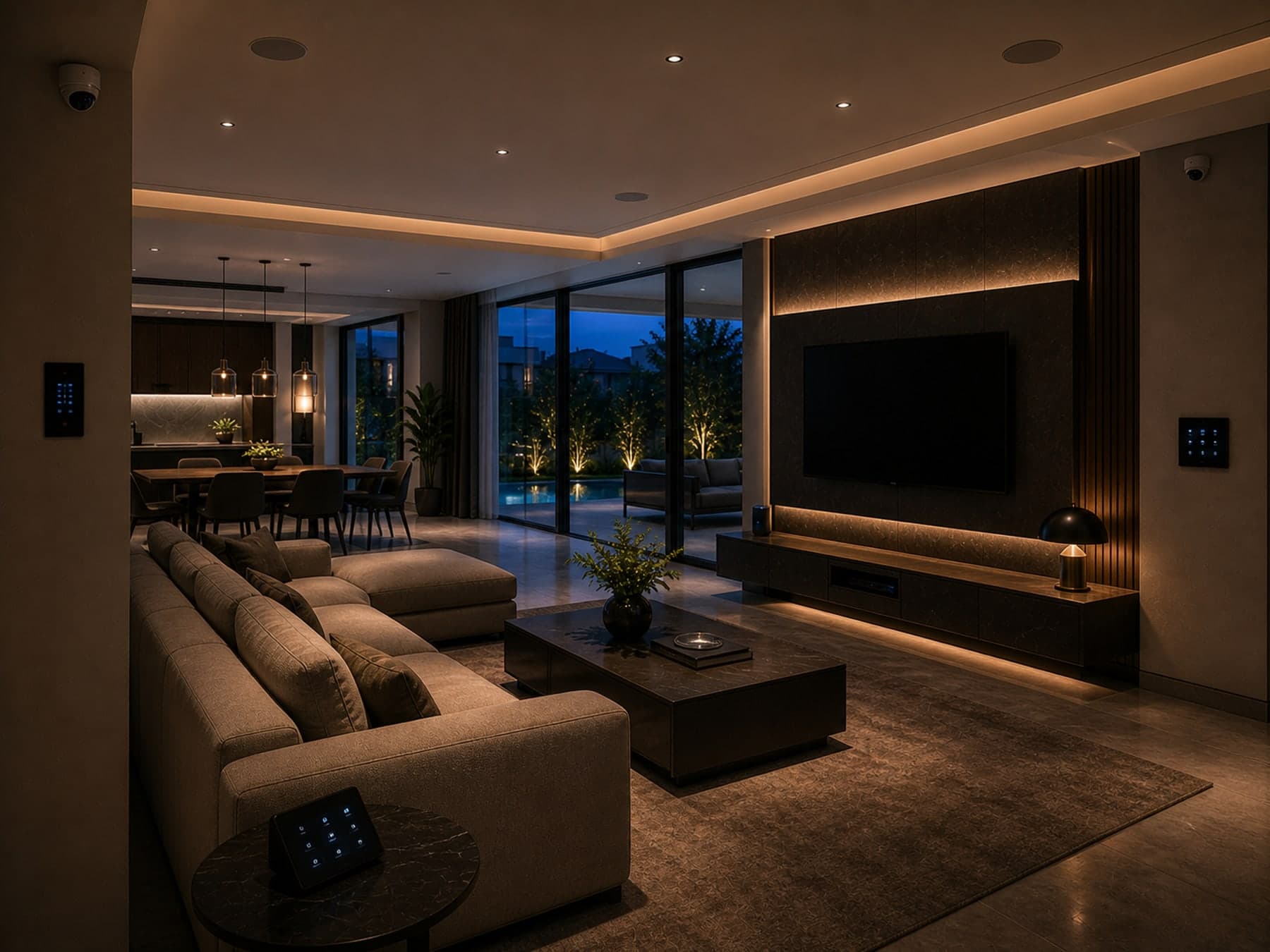






Reference type — Residential
A 5,000 sqft villa — atelier lighting, scene control, multi-room audio.
01 — Sector
Tell us where
you are starting from.
Choose one to begin — the next step opens on its own, and Back is always there.
Common
Specialised
Specific
Tell us about your project — sector first, then place, scale, stage, timeline and project scale.
Verification status: Decision support — editorial logic, no numeric claim · Methodology, assumptions and sources documented · reviewed 2026-08-30
· Engineering notes
How to read this tool’s output
Stage 1 (brief). The output of this tool is the input to stage 2 (survey). Use it to align internal stakeholders before the first studio meeting.
The assumptions, limits and reference architectures behind this
What an engineer should know
The assumptions behind the numbers this tool produces.
- The six structured questions are calibrated to surface the scope-shaping decisions — discipline mix, room types, sectors, and timeline — before the first conversation.
- Architects and consultants typically use the wizard as a pre-engagement briefing instrument; homeowners use it to articulate scope in writing.
When this tool is the right one
The project moments and room types this is built for.
- Architect or designer briefing the integrator before the first studio meeting.
- Homeowner articulating multi-discipline scope before a quote conversation.
What changes the answer in practice
Field conditions that move the result away from the planning figure.
- Multi-sector projects (e.g. mixed-use residential + retail) should submit the brief twice with the dominant scope each time.
Defensible starting architectures
Vendor-neutral reference points, not a recommendation to buy — the right answer is the one that survives your site survey.
- Single-brief, written reply within two working days — no quote attached.
Common mistakes
Failure patterns we see on real projects.
- Treating it as a quote tool — the wizard is a brief, not a price.
- Skipping the sector field — sector materially changes the design defaults.
How this lands against adjacent systems
What else has to be agreed before this output is safe to build to.
- Output flows into the CRM and triggers a written reply — not a calendar invite.
What this tool does not do
Deliberate limits — where the estimate stops and design begins.
- Does not produce price.
- Does not commit to a delivery date until stage 2 (survey).
Where this tool fits
The building types this output is calibrated for — and, where we have said so, the ones it is not.
Best suited for
The standards and technologies this touches
Reference pages for the protocols, standards and systems behind this tool’s output.
Delivered as a service ·
Multi-System Project Delivery· Why it matters
A good first brief saves a month. The wizard captures the same fields a project lead would ask for in the first conversation — sector, scope, scale, stage, timeline and project scale — so the response that comes back is specific, not generic. Architects, principal consultants and direct owners all use it; the structure is the same, the depth is yours to choose.
· Frequently asked
The brief —
what people ask first.
How long does it take to fill?
Six steps, around four to six minutes if you know the basics — sector, disciplines, square footage, stage, timeline and project scale. The wizard does not require an account, and it does not save a draft — set aside one short sitting and submit in one pass.
What happens after I submit?
A project lead reads the brief, pulls the right reference projects, and writes back within two working days. The first reply is always a written response — no auto-replies, no sales-development call.
Do I need drawings to start?
No. The wizard works with text alone — there is no file upload. If you have drawings, schedules or a project brief, mention them in the wizard and share them by email or WhatsApp after you submit; they sharpen the response, but they are not a gate.
How do you scope a project — do I need a budget?
No budget figure is needed to start. The wizard captures project scale (single space, whole floor, whole building or multi-building) rather than a money band, because pricing depends on drawings, site conditions, system scope, brands, integration depth and commissioning. Share your drawings, BOQ or project brief on WhatsApp/call +91 88110 34444 or email info@technoguru.in for a written estimate after review.
Is this the same as /contact?
More structured. /contact is for any general enquiry — partnerships, careers, press. The wizard is the project-specific intake; it routes the brief to the right project lead with the right context attached.
Engineering toolkit
Next in this sequence
Calculators whose inputs or outputs connect to this one.
- ELV · Surveillance
CCTV Coverage Calculator
Building dimensions and risk profile in, recommended camera count, retention storage and bandwidth out. Densities are planning conventions, not a code rule.
Cameras · TB · MbpsOpen - Coordination
Architect Brief Builder
For architects, consultants and project teams — assemble a plain-language coordination brief. A draft input, not a statutory submission.
Advisory · copyableOpen - Security · Access
Access-Control Door Schedule Planner
Turn generic door types and quantities into a preliminary access-control schedule — reader positions, door position contacts, request-to-exit devices, lock categories and controller grouping. Records no door names, positions or security detail, and never selects the release arrangement for an escape-route door.
door types · devices · controller groupsOpen
· Begin
Prefer to send
a longer note?
The wizard is the fast path. If your brief needs three paragraphs and a drawing set, write to the studio directly — the same project lead will read it.